 Add Printer
|
<< Click to Display Table of Contents >> Navigation: Installation > First Steps >
|
In simple cases, setting up the label printer and the label to be used in this printer is a one-off process and is carried out in the main programme.
and is carried out in the main programme.
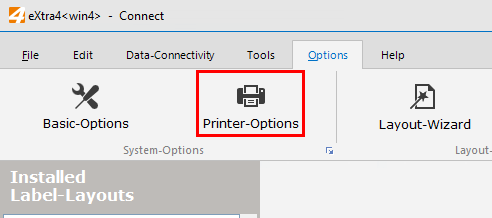
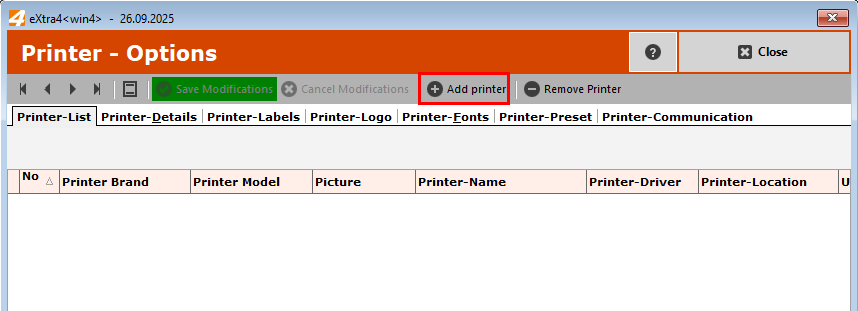
Open the printer management via the Printer settings button and click the "Add printer" button
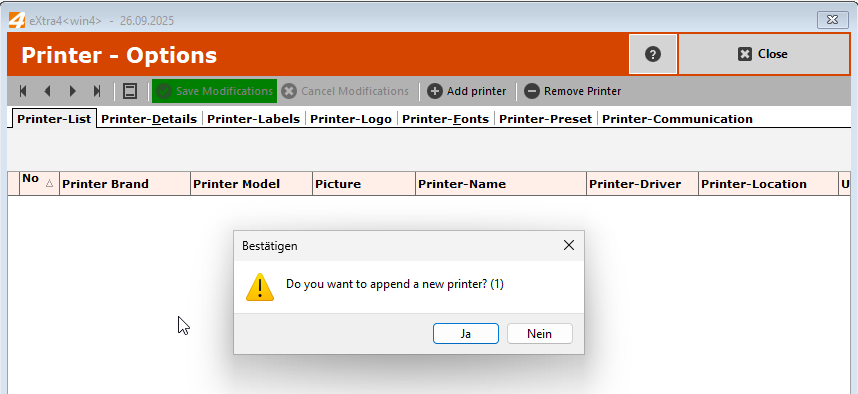
and confirm the new creation of the printer
Now select the printer brand and then the model of your printer
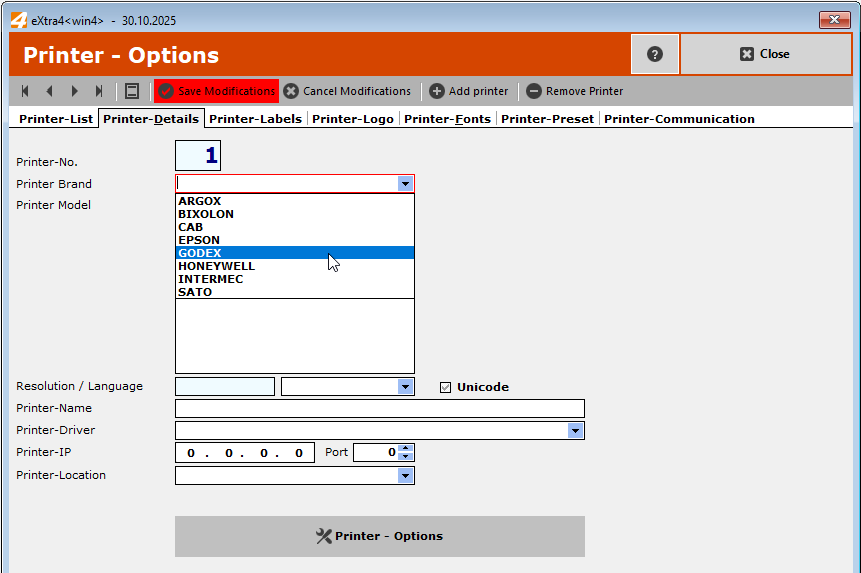
If your printer brand or printer model is not available in the selection, please contact our support team(support@extra4.com).
Now select your printer model
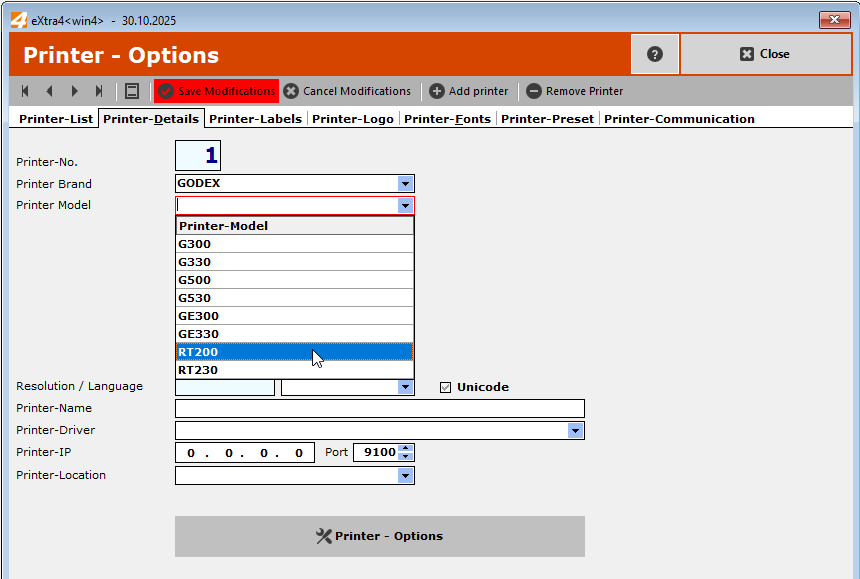
As a rule, the printer language "ZPL2" should remain unchanged as the now universal printer language. If necessary, only change the printer language
after consultation with eXtra4<Support>.
The printer name allows you to assign a suitable name to uniquely identify the printer if several printers are in use.
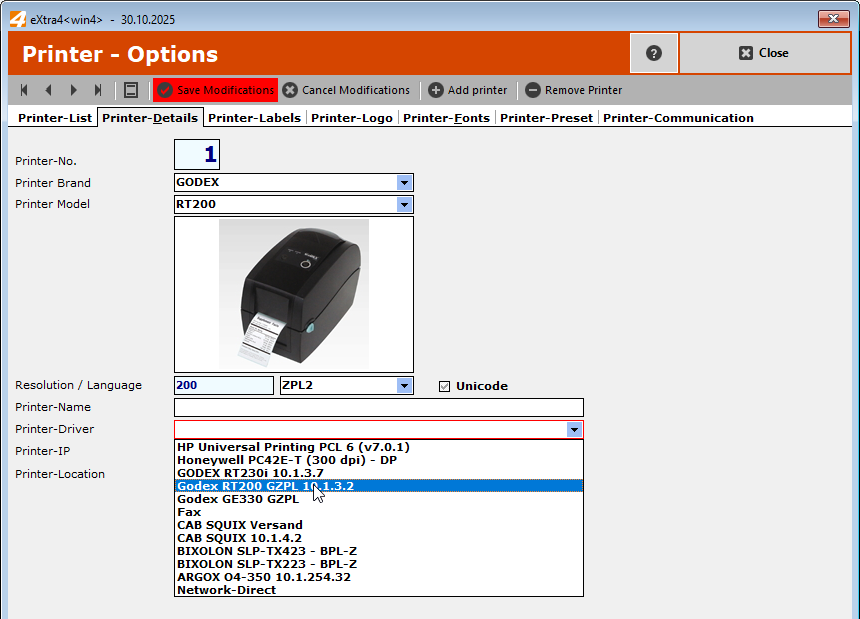
Select the printer driver that you have previously installed. If the installation of the printer driver causes difficulties, please contact
please contact eXtra4<support>.
Printer IP
If the label printer is integrated into the network with a fixed IP address, there is no need to install a printer driver.
The printer is then controlled directly via a socket connection. This special case of printer communication should only be used with the involvement of your
your IT system administrator or eXtra4<support>.
As a rule, do not enter any data here.
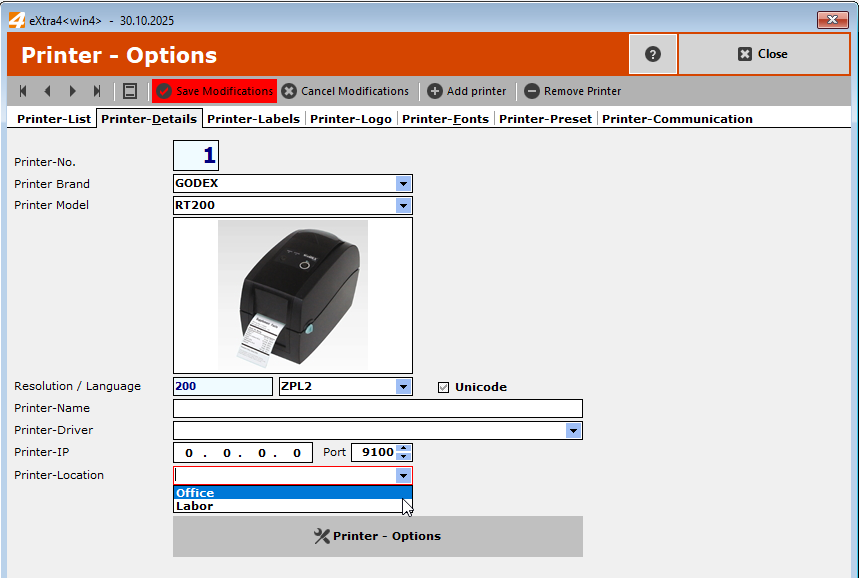
When using several printers, it is helpful to store possible locations of the printers used in the basic settings, which can be assigned to the printer here,
A location assigned to the printer makes it easier to assign a printer when installing label layouts.