 Setup Printer
|
<< Click to Display Table of Contents >> Navigation: Installation > First Steps >
|
Once the label printer has been added, the labels to be printed must be assigned to it.
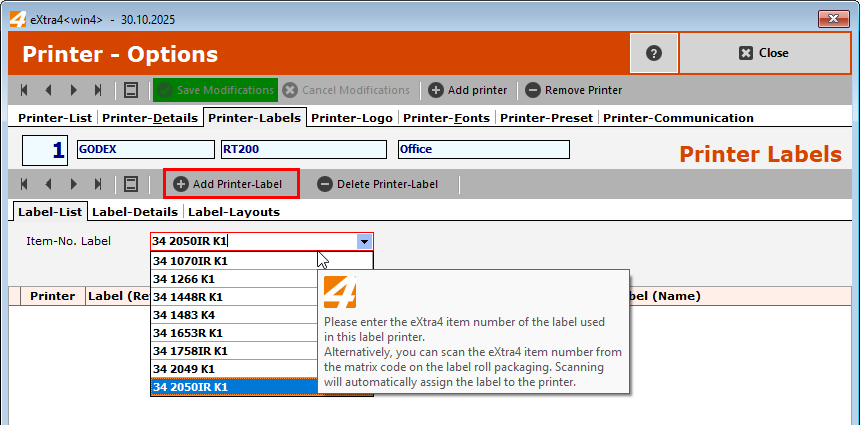
Under "Item-No. Label", select the eXtra4 item number of the label that is to be printed on this printer.
Then press the "Add Printer-Label" button.
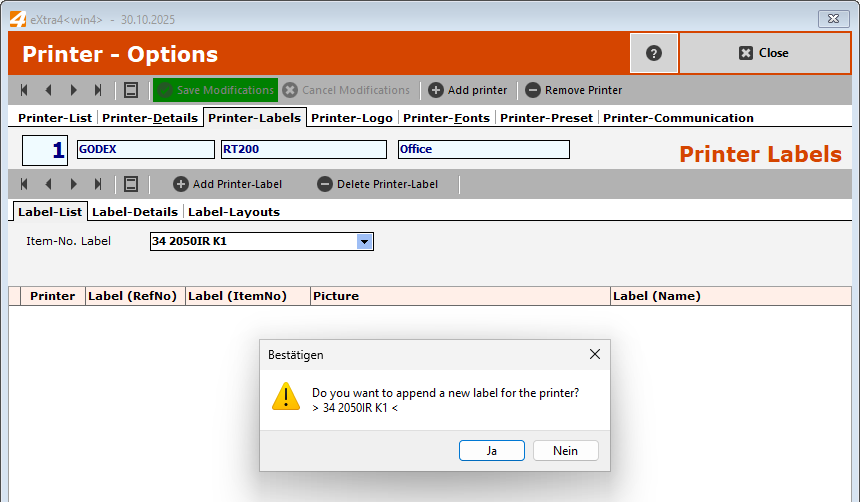
and confirm as follows
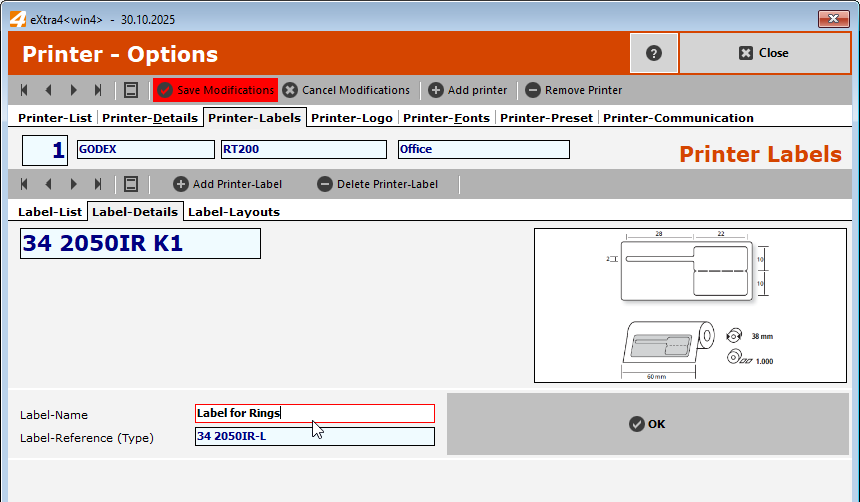
You can now assign a name to the label that corresponds to its intended use, for example