 Layout Management
|
<< Click to Display Table of Contents >> Navigation: Functional Description >
|
The label layouts installed via the layout wizard (assistant) are displayed on the left-hand side of the screen.
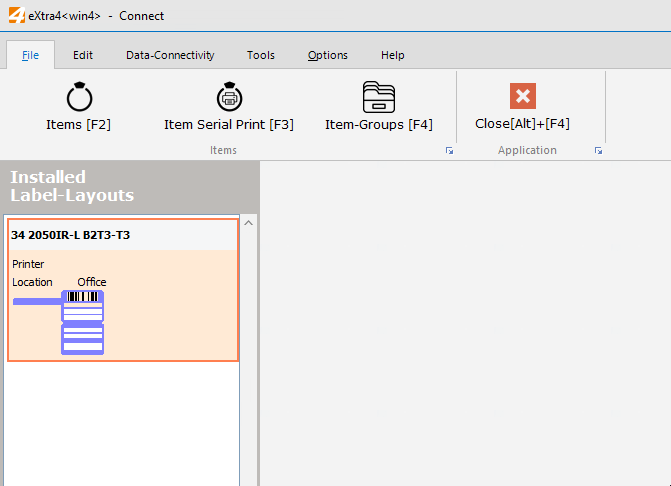
Layouts can be created using the function buttons at the bottom
- created (starts the layout wizard)
- deleted
- and navigate within the layout list.
Important!
If a layout that has been selected for printing labels for a saved item is deleted, a corresponding warning is issued.
If the layout is deleted despite the warning, the item can no longer be printed as a label until a new layout has been assigned to it.