 Item-Group Management
|
<< Click to Display Table of Contents >> Navigation: Functional Description >
|
Item groups are essential functions in item management and should be created regularly,
before starting to enter the actual articles.
Tasks of the item groups
- Organising the product range in order to be able to focus (filter) on specific article ranges.
- Basic prerequisite for automatic item numbering
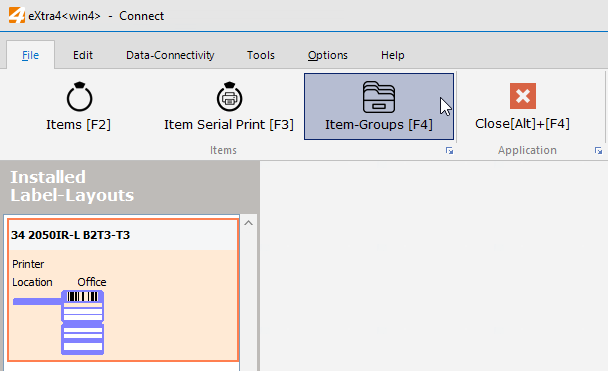
Item group list (creation of item groups)
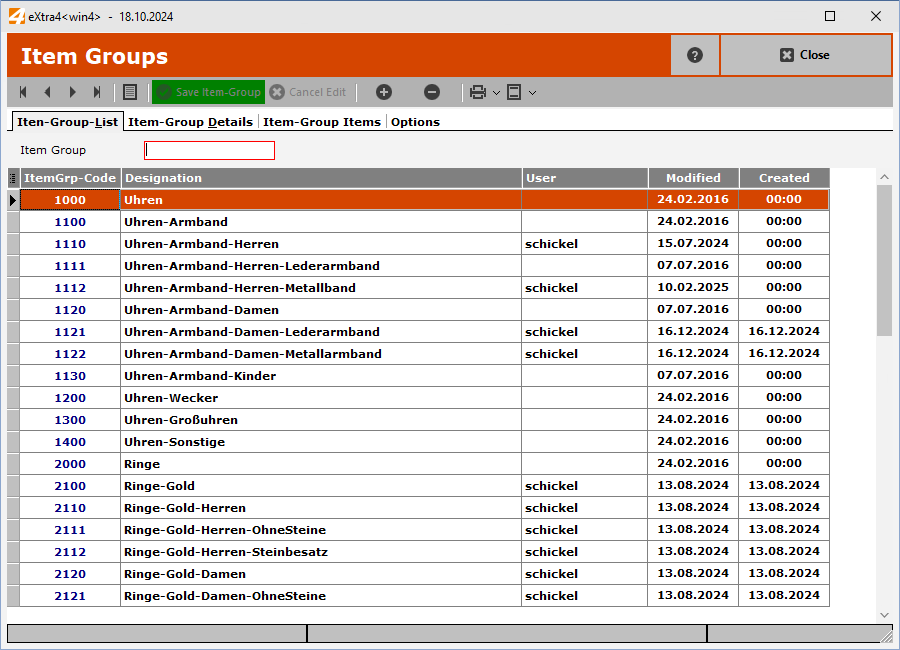
To create an item group, enter the item group code in the "Item Group" entry-field and confirm with the [+] button.
Item Group - Details
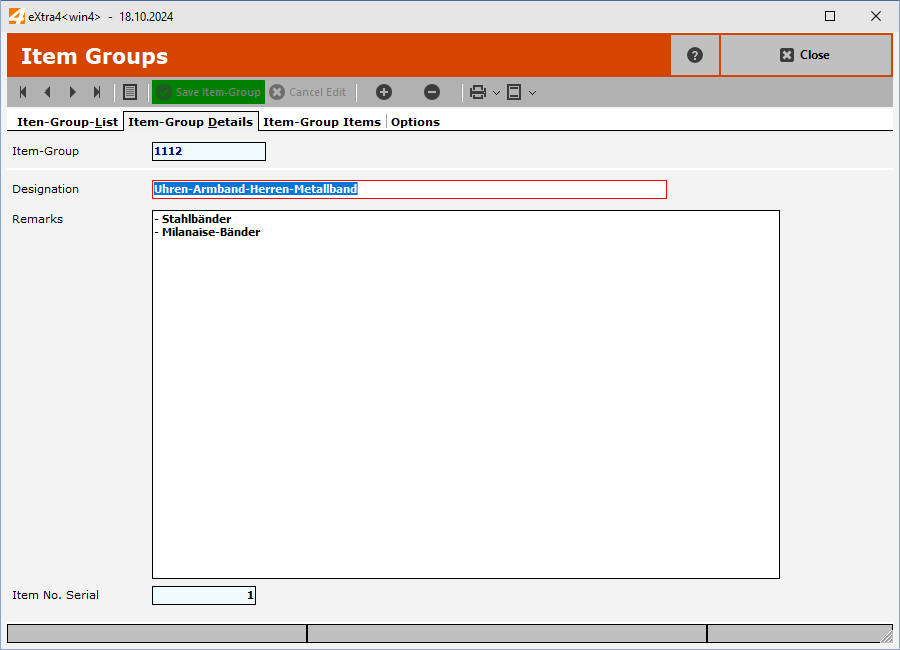
Enter the description of the item group here and confirm your entry with the [ Save item group ] button.
Item-Group - Items
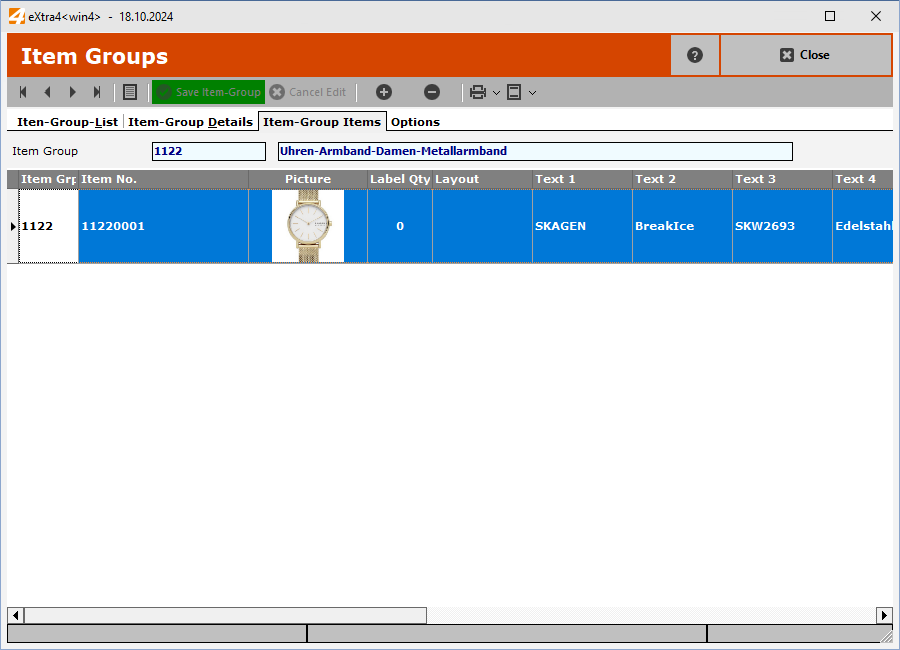
This list shows all items that have been assigned to the item group.
Item Group - Options
Options - Report printing
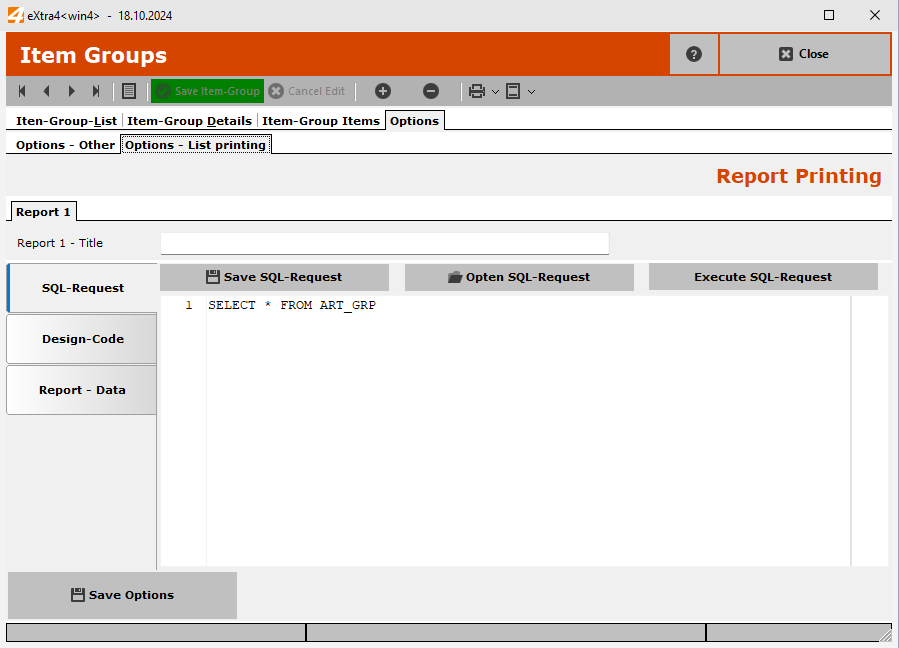
These settings can be used to set complex queries for item groups and customised report printing,
These customisations should only be carried out by experienced system administrators. As a rule, the eXtra4
eXtra4<support> will set up your customisations for you.