 Printer options
Function - Updated: 10.02.2026
Printer optionsFunction - Updated: 10.02.2026
|
<< Click to Display Table of Contents >> Navigation: Functional Description > Label Printing (Type and Print) >
|
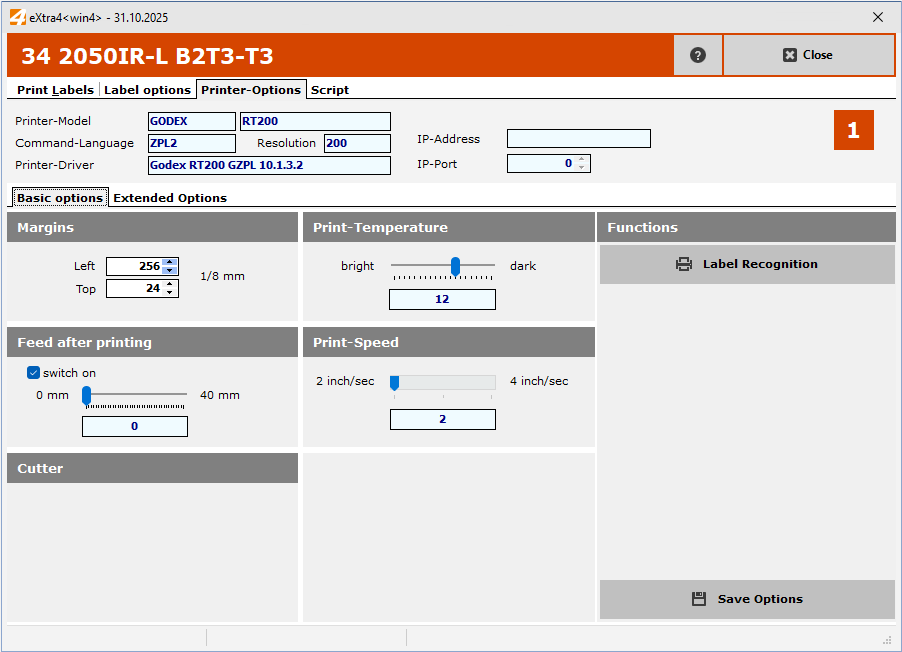
In the margin settings, you can move the horizontal position to the right by increasing the left margin and vice versa. The unit of displacement is displayed to the right of the input fields. "1/12" means that increasing the value will move the print image by one twelfth of a millimetre. So 12 units will move it by one millimetre..
Raising the top edge shifts the print image downwards accordingly..