 Append items
|
<< Click to Display Table of Contents >> Navigation: Functional Description > Item-Management >
|
A new item is created via the [+] button in the item menu
Appending items
a) Individual item numbers
are item numbers that you define yourself under your own responsibility. This type of item number is always relevant if item numbers already exist for the products
or, for example, the manufacturer's item number is used as a separate item number.
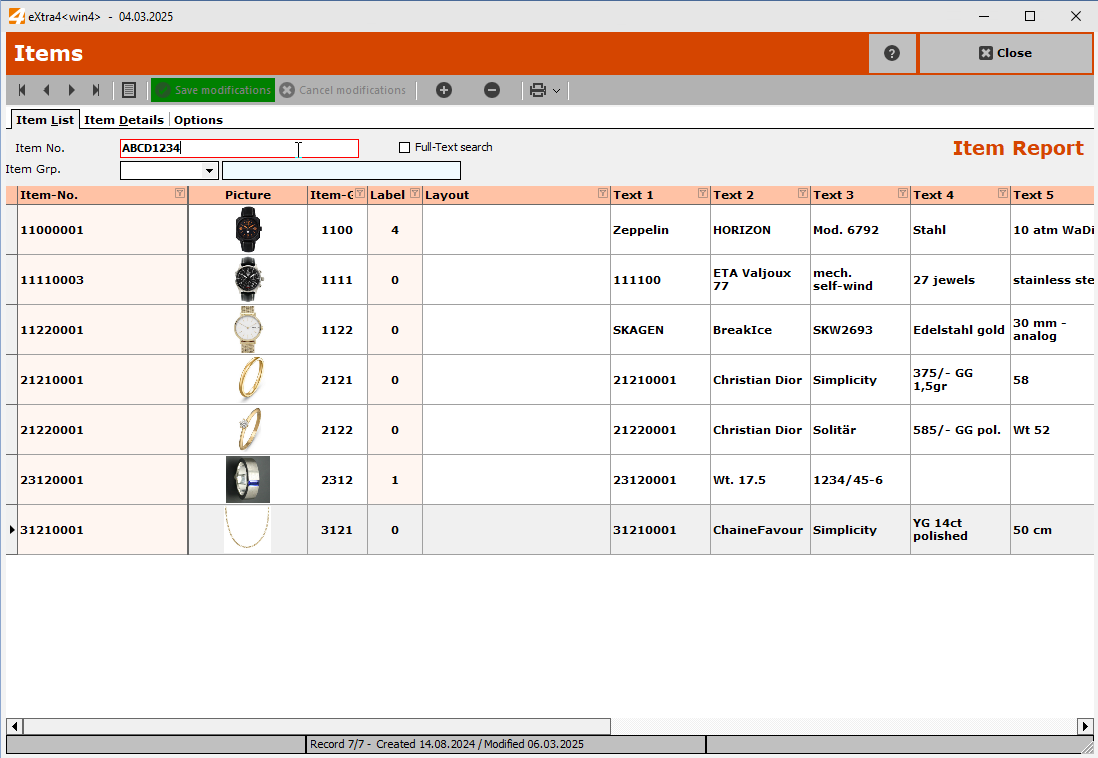
Simply enter the number of the new item to be created in the "Item no." field and press the [ + ] button to execute it.
b) Automatic item numbers based on a sequential number
The simplest form of item numbering is to use an 8-digit sequential number, starting with "10000000".
Compared to the item number based on item groups described below, a sequential number is anonymous
and does not provide any information about the type of item, but it eliminates the need to create structured item groups.
c) Automatic item numbers based on item groups
are based on the group. The item group forms the first half of the item number.
The second half of the item number is automatically generated by the programme as a consecutive number.
The section "Item group structure" provides examples of how to create item groups and organise them in a logical manner.
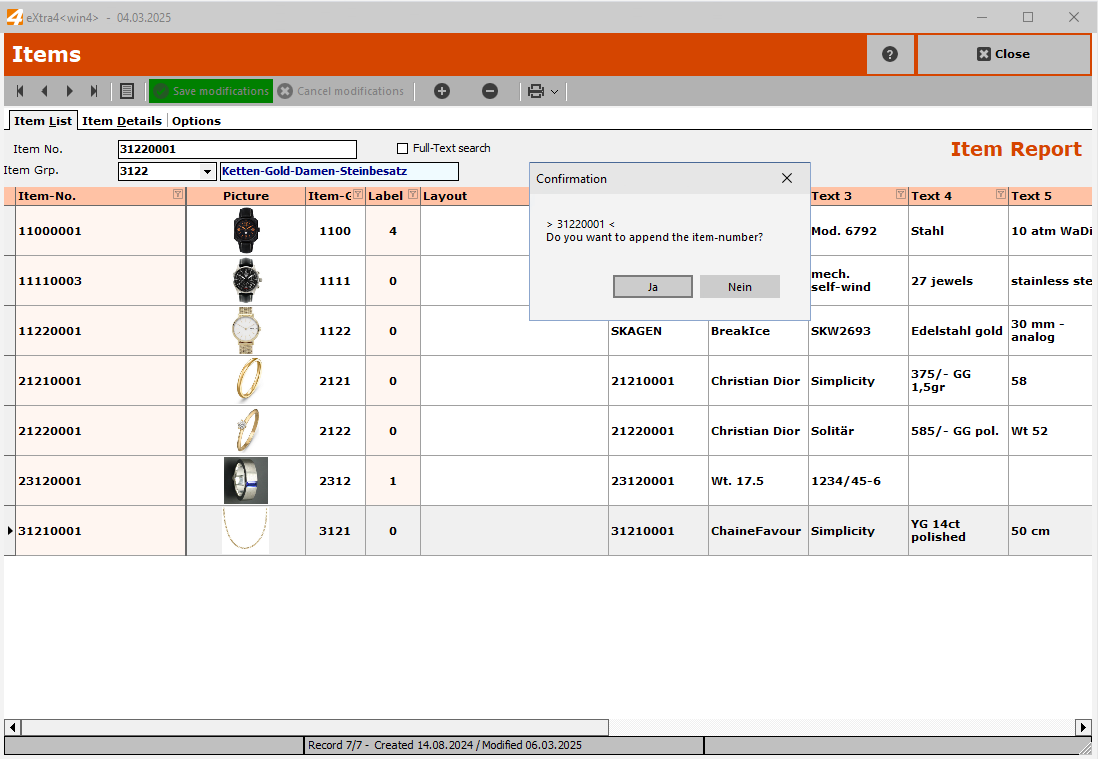
First select the item group to which the new item to be created is to be assigned and press the [ + ] key.